When it comes to choosing the best CAD software, your needs will vary depending on your specific project. Whether you’re a hobbyist looking for an easy-to-use tool or a professional in need of advanced features, finding the right CAD program can make all the difference. This guide covers the top CAD software for 2025, from free options to industry standards, so you can pick the best one for 3D modeling, 3D printing, and more.

Introduction to CAD Software: What You Need to Know
Before you start comparing different CAD tools, it’s helpful to understand what CAD software actually does and how it fits into your design process.
What is CAD Software and Why is It Important?
CAD software (Computer-Aided Design) helps you create detailed 2D and 3D models for all kinds of projects. Whether you’re designing mechanical parts, architectural models, or objects for 3D printing, CAD tools make the process faster and more accurate. They help you visualize and refine your designs before creating them in the real world, saving time and preventing mistakes.
Choosing the right CAD software can improve your workflow and productivity, ensuring your designs are not only functional but also meet the highest standards of quality.
Why the Right CAD Software Matters for Your Projects
The best CAD software depends on what you’re designing. Some programs are great for architecture, others are better for mechanical engineering or 3D printing. For example, if you’re working on a 3D printing project, you’ll want software that is compatible with your printer and easy to use. If you’re in the field of product design or engineering, you’ll need more advanced tools to ensure precision and reliability in your work.
By selecting the right CAD software, you’ll streamline your workflow and achieve better results.
Best CAD Software for 3D Printing and 3D Modeling
When it comes to 3D printing and modeling, there are several options out there. Whether you’re a beginner or a pro, the right software can make a big difference. Here’s a look at some of the best CAD programs for 3D design and printing.
AutoCAD: The Professional Standard for Precision and Versatility
AutoCAD is a heavy hitter in the world of CAD software. Known for its accuracy and versatility, AutoCAD is used by professionals across industries like engineering, architecture, and product design. Whether you’re working on 2D drafting or 3D modeling, AutoCAD offers a range of powerful tools to bring your designs to life.
It’s a paid tool, but the good news is that there’s a free version available for students, which makes it more accessible if you’re just getting started. AutoCAD remains a go-to choice for serious designers looking for a professional-grade tool.
Fusion 360: The Powerful Free Option for Personal Use
Fusion 360 stands out as one of the best CAD programs available for 3D modeling, simulation, and product design. What’s great about Fusion 360 is that it’s free for personal use, making it an affordable choice for hobbyists, students, and anyone looking to get into CAD without spending a lot of money.
Fusion 360 is a cloud-based platform, so you can access your designs from anywhere. It offers a full suite of CAD, CAM, and CAE tools, making it one of the most powerful and versatile options for 3D modeling and printing.
SketchUp: The Best for Beginners and Architecture
SketchUp is known for being one of the easiest CAD programs to learn, making it a great option for beginners. Its intuitive interface and simple tools allow you to quickly create 3D models, particularly for architectural design. SketchUp is also free to use, which makes it accessible to anyone who wants to start exploring CAD.
If you’re focused on architecture or interior design, SketchUp is a great choice. It’s easy to learn, has a robust community of users, and works well for 3D printing. If you’re just starting out in CAD, SketchUp is a friendly, low-stress place to begin.
SolidWorks: Industry Standard for Mechanical and Product Design
SolidWorks is the go-to CAD software for professionals in mechanical engineering and product design. It offers powerful features for creating detailed, accurate 3D models, and it’s especially useful for designing mechanical components and assemblies. If you need to create functional designs with a high level of precision, SolidWorks is one of the best options available.
The only drawback is that SolidWorks isn’t available for macOS, so it’s limited to Windows users. However, if you’re serious about mechanical design, SolidWorks is one of the best CAD programs out there.
Free and Open-Source CAD Software Options
While there are many paid CAD programs out there, there are also several excellent free and open-source options. These tools can be just as powerful, especially if you’re looking for a no-cost solution or just starting out. Here are some of the best free CAD programs you can try.
FreeCAD: A Powerful, Open-Source CAD Program for Parametric Design
FreeCAD is an open-source 3D modeler that focuses on parametric design. This makes it especially useful for creating mechanical parts, architectural designs, and other functional 3D models. FreeCAD gives you a lot of control over your designs, allowing you to make changes to the underlying parameters and see the results instantly.
It’s available for Windows, macOS, and Linux, making it accessible to a wide audience. FreeCAD may take some time to learn, but once you get the hang of it, it’s a powerful tool that’s completely free to use.
Blender: The Best Free CAD Software for Artistic 3D Modeling
Blender is an open-source program that’s often used for 3D animation and artistic modeling. It’s great for creating detailed, organic 3D models, and while it’s not typically used for mechanical or architectural design, it’s an excellent choice if you’re focused on visual arts, animation, or product visualization.
Blender is free to use and has a large, active community, which makes it easier to find resources and tutorials. If you’re an artist or designer looking to create stunning 3D models, Blender is one of the best free tools available.
Tinkercad: The Easiest Tool for Absolute Beginners
Tinkercad is a simple, browser-based CAD program that’s perfect for beginners. If you’ve never worked with CAD before and want a straightforward way to start, Tinkercad is the way to go. With its drag-and-drop interface, it’s incredibly easy to use, even for absolute beginners.
Tinkercad is perfect for quick, simple designs and 3D printing. It’s also free to use, so you can start creating without any upfront costs. If you’re just dipping your toes into the world of CAD, Tinkercad is a great place to start.
Specialized CAD Software for Specific Needs
Some CAD software is designed for specific applications or industries, offering specialized features that cater to unique project requirements. Here are a couple of CAD programs that stand out for their niche applications.
Onshape: Best for Collaborative CAD Design
Onshape is a cloud-based CAD tool designed for collaboration. It’s perfect for teams that need to work together on shared projects. With Onshape, multiple users can work on the same design at the same time, making it an ideal choice for team-based projects. Since it’s cloud-based, you can access your work from any device, which is a major plus for remote teams.
If you’re part of a design team and need to collaborate in real-time, Onshape is one of the best CAD programs for the job.
OpenSCAD: The Best Script-Based CAD Software for Technical Projects
OpenSCAD is a script-based CAD program that lets you create 3D models through coding. If you’re comfortable with programming and want full control over your designs, OpenSCAD is a great choice. It’s especially useful for creating highly technical designs that require precision and customization.
While it’s not the most beginner-friendly option, OpenSCAD is ideal for those who need to create functional, technical designs and want to do it through programming.

Which CAD Software Is Right for You?
For Beginners
If you’re just starting with CAD, SketchUp and Tinkercad are your best options. Both are easy to learn and offer free versions, which makes them perfect for beginners. SketchUp is ideal for architectural projects, while Tinkercad is great for simple 3D designs and 3D printing.
For Professionals
If you’re a professional working on mechanical designs or complex 3D models, AutoCAD and SolidWorks are industry standards. Both programs offer advanced features for precise, detailed design. Fusion 360 is another strong option that’s free for personal use and offers a wide range of tools for professional-level work.
For Free and Open-Source Enthusiasts
If you prefer open-source software, FreeCAD and Blender are excellent options. FreeCAD is great for parametric designs, while Blender is perfect for artistic and organic 3D modeling. Both are free and have strong user communities, so you’ll never be short on resources and tutorials.
Conclusion: Choosing the Best CAD Software for Your Needs
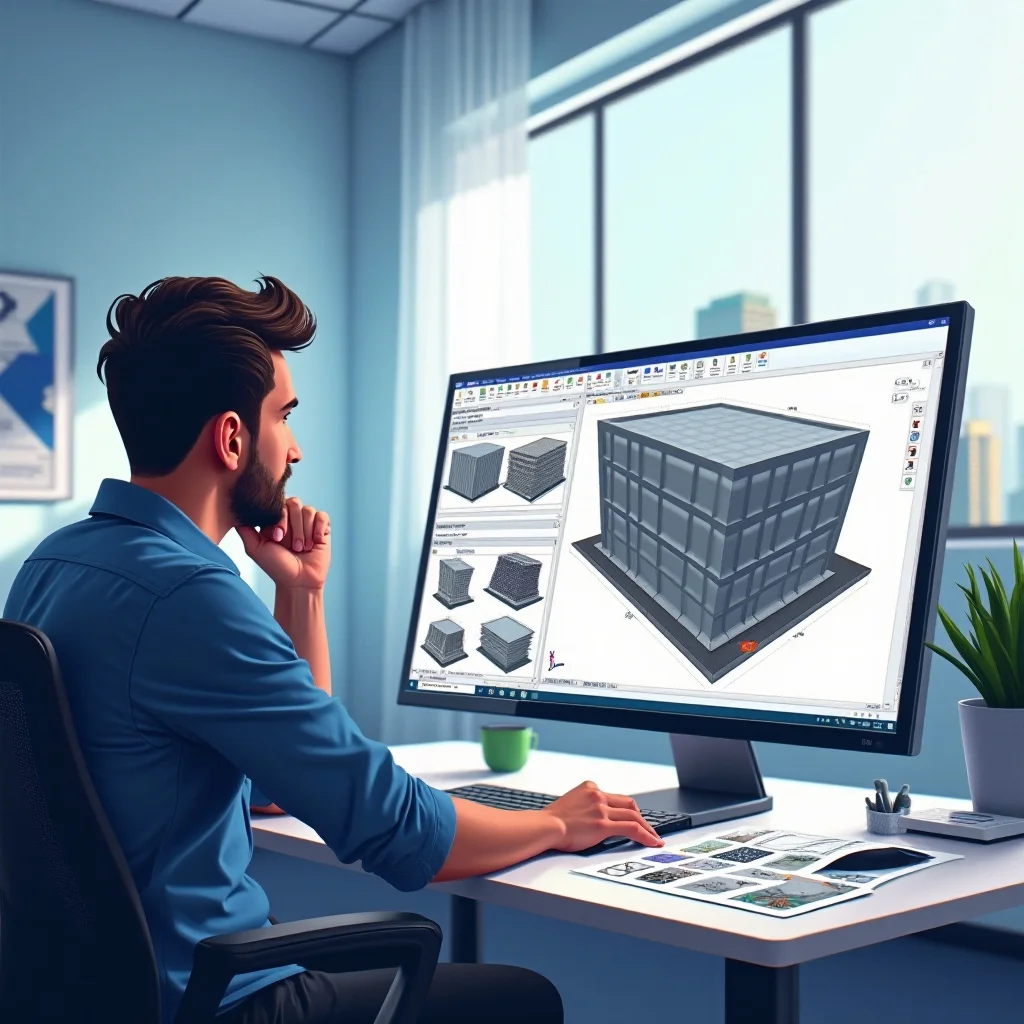
Choosing the best CAD software depends on your needs, experience level, and the type of project you’re working on. Whether you’re looking for a free, easy-to-use tool for 3D printing or a professional-grade program for mechanical design, there are plenty of options out there. Take the time to evaluate your needs and try a few different programs to find the one that’s right for you.
No matter which tool you choose, having the best CAD software for your project will help ensure you create high-quality designs, improve your workflow, and bring your ideas to life. Pairing your software with the right hardware, like well-calibrated computer monitors for work and a responsive computer mouse for work, can further enhance your comfort and productivity when modeling for hours at a time.