Long hours at your desk demand more than just a basic screen. The best computer monitors for work improve clarity, reduce eye strain, and help you manage tasks efficiently across different projects. From creative design to data analysis and daily office duties, the right display can sharpen focus and support productivity. In this guide, you’ll see why a dedicated work monitor makes sense, which models suit specific scenarios, and how to choose one that fits your workflow.
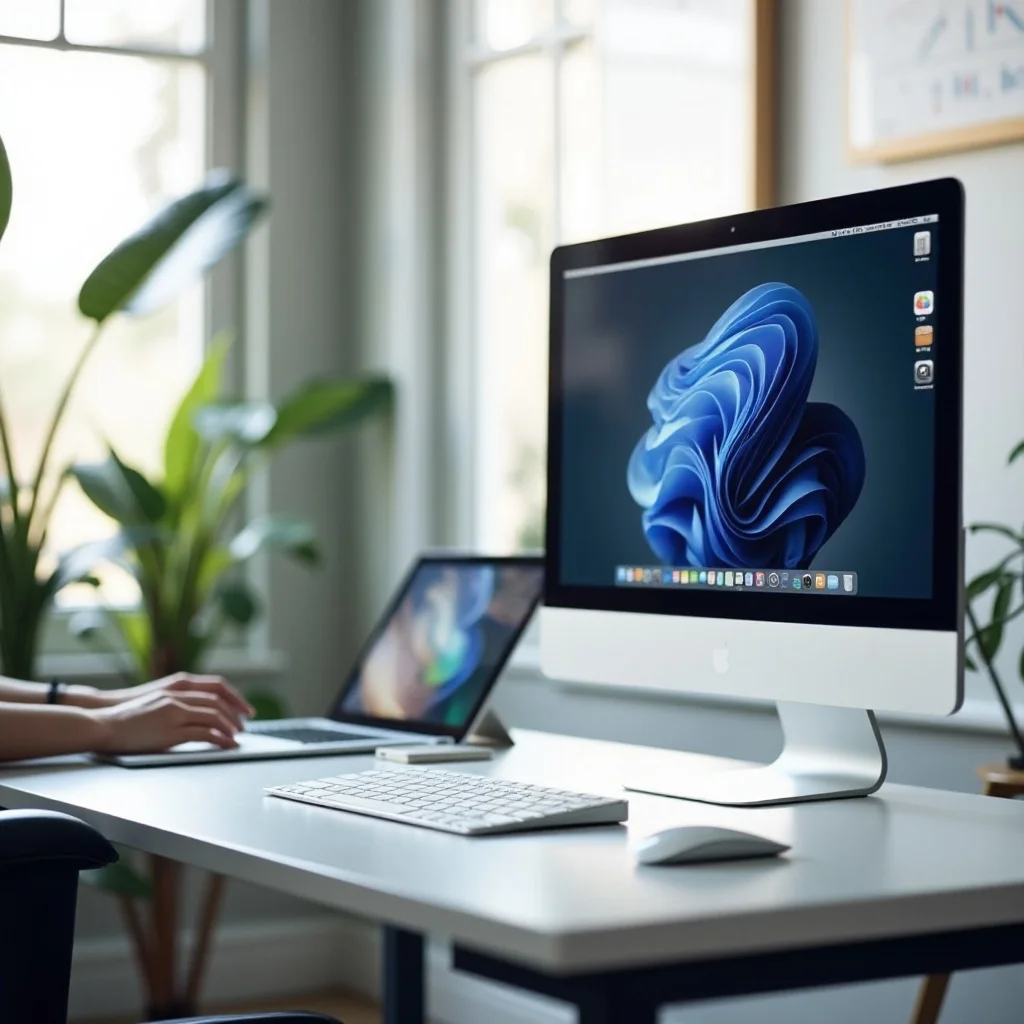
Why Should You Choose a Computer Monitor for Work
A work monitor is more than a screen; it shapes how long you stay focused and how comfortable you feel. Picking one with the right size, clarity, and connections can make tasks smoother and faster.
Sharper text reduces squinting and rereading. A higher resolution on a size that fits your desk keeps spreadsheets, code, and email crisp, so you spot errors sooner during long workdays.
Extra screen space cuts window juggling. An ultrawide or dual-monitor setup lets you keep a call, notes, and your main document visible at once, speeding decisions and reducing missed details.
Adjustable height, tilt, swivel, and pivot help align the top of the screen near eye level. That posture support eases neck strain and helps you sit steadily throughout the day.
Superior Eye Health: Dedicated work monitors often feature "Flicker-Free" technology and hardware-level blue light filters. These specialized features minimize digital eye strain and headaches, allowing you to maintain focus during long, intense sessions.
Color Accuracy: For creative professionals, monitors provide superior color gamuts and calibration options. Ensuring that the colors you see on screen match the final output is critical for professional branding and video editing.
8 Best Computer Monitors for Different Work Scenarios
Choosing among the best computer monitors for office work depends on your daily tasks, desk space, and budget. Below, you’ll find carefully selected models grouped by work scenario, so you can match the right display to your workflow.
Top Computer Monitors for General Work
If you’re looking for a reliable, all-around monitor for everyday office tasks, these two models offer great value without breaking the bank. They offer a balance of screen size, performance, and ergonomics, making them perfect for standard office tasks.
1. Dell U2725QE: A 4K Workhorse with Extensive Connectivity
The Dell U2725QE is an excellent all-rounder for office use. Its 4K resolution delivers crystal-clear images, making it ideal for document work, video calls, and even some light creative tasks. Plus, it comes with an impressive range of ports, including USB-C, for easy connectivity to laptops and other devices. It’s perfect if you want something that’s versatile and can handle everything from emails to spreadsheets with ease.
Pros:
- Stunning 4K resolution for sharp visuals
- Great color accuracy
- USB-C for easy device connectivity
- Adjustable stand for ergonomic comfort
Cons:
A bit more expensive than standard 1080p models
2. HP Series 7 Pro 34-inch WQHD Conferencing Monitor: A Perfect Balance of Size and Performance
If you need a larger screen to help you juggle multiple tasks, the HP Series 7 Pro 34-inch WQHD is a great choice. The 34-inch curved display offers an immersive experience, perfect for multitasking and video conferencing. It also has a built-in camera and speakers, so you won’t need extra accessories for virtual meetings. If your idea of the best office monitor includes strong conferencing features and lots of horizontal space, this model fits the bill.
Pros:
- Spacious 34-inch curved display
- Integrated camera and speakers for video calls
- WQHD resolution for sharp details
- Adjustable stand for ergonomic comfort
Cons:
The size might be too large for smaller desks
Best Ultrawide Monitors for Work: Enhanced Productivity and Multitasking
Ultrawide monitors are ideal if you often work with multiple applications open side by side. They provide ample space without needing a dual-monitor setup, making them perfect for multitasking.
1. HP E45c G5 DQHD Curved Monitor: The Ultimate Ultrawide Experience for Multitaskers
For those who need tons of screen real estate, the HP E45c G5 DQHD Curved Monitor offers a massive 45-inch curved display with a 32:9 aspect ratio. This ultrawide monitor lets you keep several windows open at once without feeling cramped, increasing your productivity while reducing the need for multiple monitors. It’s great for professionals who need to handle lots of documents, spreadsheets, or creative tasks simultaneously and want the best monitor for work specifically optimized for multitasking.
Pros:
- Ultra-wide 45-inch curved screen
- Perfect for multitasking with a 32:9 aspect ratio
- High resolution and excellent color accuracy
- Ergonomic design for better comfort
Cons:
Large size might not fit every desk
2. Dell UltraSharp 40 Curved Thunderbolt Hub Monitor: Ideal for Creative Professionals
The Dell UltraSharp 40 Curved Thunderbolt Hub Monitor is an ultrawide, high-end monitor designed with creative professionals in mind. Its 5K resolution ensures vibrant colors and exceptional clarity, ideal for photographers, video editors, or graphic designers. Plus, its Thunderbolt connectivity means faster data transfer and a cleaner setup with fewer cables.
Pros:
- 5K resolution for detailed, vibrant visuals
- Thunderbolt connectivity for fast transfers
- Curved design for an immersive experience
- Perfect for design work and media production
Cons:
Higher price point
Best Budget Monitors for Work: Performance Without Breaking the Bank
You don’t have to spend a fortune to get a quality work monitor. These budget-friendly options deliver great performance for office tasks without breaking the bank.
1. BenQ GW2486TC: A Quality 1080p Monitor at a Budget Price
The BenQ GW2486TC is a solid 1080p monitor that doesn’t skimp on performance. If you don’t need 4K resolution but still want a crisp and clear display, this model is a great value. The built-in blue light reduction and height-adjustable stand make it ideal for long hours of work, while its slim, modern design fits well in most office setups.
Pros:
- Affordable 1080p resolution
- Adjustable stand and blue light reduction
- Good color display for the price
- Modern, slim design
Cons:
Not the best option for high-end creative work
2. Dell S2725QC: An Affordable 4K Option with Extra Features
If you’re looking to upgrade to 4K but don’t want to spend too much, the Dell S2725QC offers an affordable solution. This 27-inch 4K monitor has USB-C connectivity, making it a convenient choice for those with laptops. Whether you’re dealing with spreadsheets, documents, or media, it offers crisp visuals and reliable performance.
Pros:
- Affordable 4K resolution
- USB-C connectivity for easy setup
- Decent color accuracy and sharpness
- Solid build quality
Cons:
Smaller screen size compared to other 4K models
Best Monitors for Creative Professionals
For design, video editing, or photography, you’ll need a monitor that offers top-notch color accuracy and high resolution. Here are two of the best monitors for creative professionals. To complement your creative setup, consider adding an office desk lamp for better lighting and a computer mouse for work that’s designed to support precision work.
1. BenQ PD3225U: A Solid Choice for Mac Users
Mac users will appreciate the BenQ PD3225U, a 32-inch 4K monitor that offers stunning color accuracy and HDR support. This monitor is factory-calibrated for excellent color consistency, which is crucial for creative professionals. Whether you’re working on graphics or video editing, it ensures that what you see on screen is as accurate as possible.
Pros:
- Great color accuracy and HDR support
- Large 32-inch 4K display
- Ideal for Mac users
- Adjustable stand for better ergonomics
Cons:
On the pricier side for a non-OLED display
2. Asus ProArt Display OLED PA32UCDM: The Ultimate 4K Monitor for Video Editors
The Asus ProArt Display OLED PA32UCDM is one of the best monitors for video editors and photographers, offering an OLED display with perfect blacks and amazing contrast. The 4K resolution ensures that every detail pops, while its factory-calibrated colors guarantee accuracy for creative work. If you need the best for color-critical tasks, this is your top choice.
Pros:
- OLED technology for perfect blacks and contrast
- 4K resolution with exceptional color accuracy
- Ideal for professional photo and video editing
Cons:
Very high price
How to Choose the Best Computer Monitor for Work
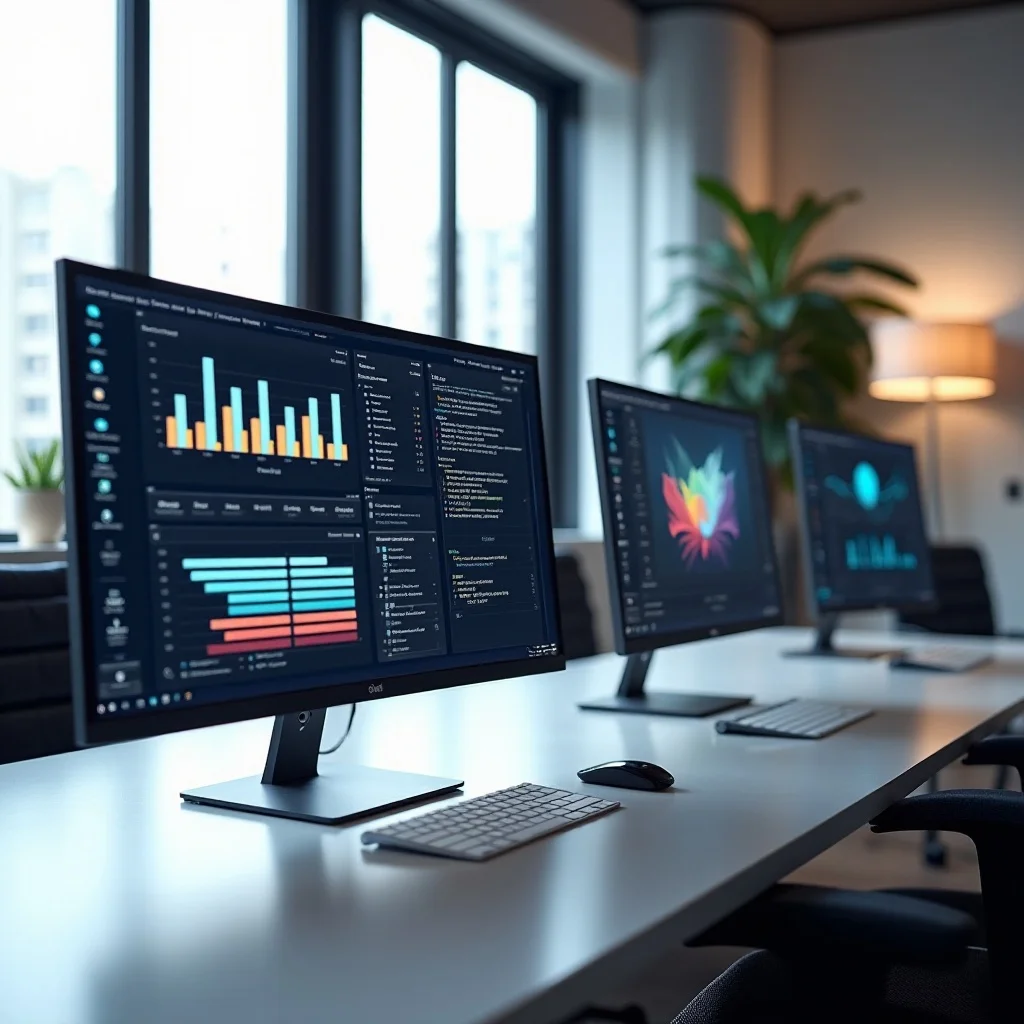
Choosing the right display is crucial for your long-term productivity and eye health. To help you navigate the endless specs, we’ve broken down how to find the best computer monitor for office work tailored to your needs.
1. Resolution and Visual Clarity
High resolution is non-negotiable for reading spreadsheets and text-heavy documents. While 1080p used to be the standard, a 4K monitor offers incredible sharpness that reduces eye strain over long hours. QHD (1440p) is often the "sweet spot" for many professionals, providing ample screen real estate without making icons too small. When choosing, prioritize pixel density to ensure your text stays crisp. If you spend your day staring at code or emails, your eyes will definitely thank you for the extra clarity.
2. Screen Real Estate and Dimensions
Finding the best size computer monitor for work depends largely on your desk depth and the nature of your tasks. A 27-inch screen is widely considered the industry standard because it balances visibility with ergonomics perfectly. However, "spreadsheet warriors" often prefer a 32-inch panel or an ultrawide setup to avoid the constant "Alt-Tab" dance. These larger screens allow you to snap multiple windows side-by-side effectively. Just ensure your desk is deep enough to maintain a healthy viewing distance from the glass.
3. Ergonomics and Adjustability
Productivity isn't just about what's on the screen; it's about how your body feels after eight hours of sitting. Look for a monitor with a versatile stand that offers height, tilt, and swivel adjustments. Being able to align the top of the screen with your eye level is critical for preventing chronic neck strain. If the stock stand is limited, check for VESA compatibility so you can mount it on an adjustable arm. Physical comfort is the secret ingredient to maintaining peak focus.
4. Panel Technology and Color Accuracy
Most office professionals should aim for an IPS (In-Plane Switching) panel. These displays offer the best color accuracy and wide viewing angles, which is vital if you’re frequently sharing your screen with a colleague. While VA panels provide better contrast, they can suffer from color shifting when viewed from the side. For those in creative fields like marketing or design, high sRGB color gamut coverage is essential to ensure your projects look consistent across different devices and print materials.
5. Connectivity and Port Selection
A modern workspace thrives on simplicity and reducing "cable spaghetti." A monitor with a USB-C port that supports Power Delivery is a total game-changer, allowing you to charge your laptop and transfer video data through a single cable. This makes docking and undocking your machine a breeze. Additionally, look for built-in USB hubs for your mouse and keyboard, and ensure there are enough HDMI or DisplayPort inputs for any secondary devices. Good connectivity keeps your desk clean and your workflow fluid.
Conclusion: Finding the Best Computer Monitor for Your Work
When it comes to finding the best computer monitors for work, there’s no one-size-fits-all solution. Whether you’re on a budget or looking for the ultimate 4K monitor, the right display will depend on your needs. Consider factors like resolution, screen size, and ergonomics to ensure you’re investing in a monitor that will help you work more efficiently and comfortably.
If you’re looking to optimize your workspace even further, check out our articles on office desk lamps and computer mice for work.