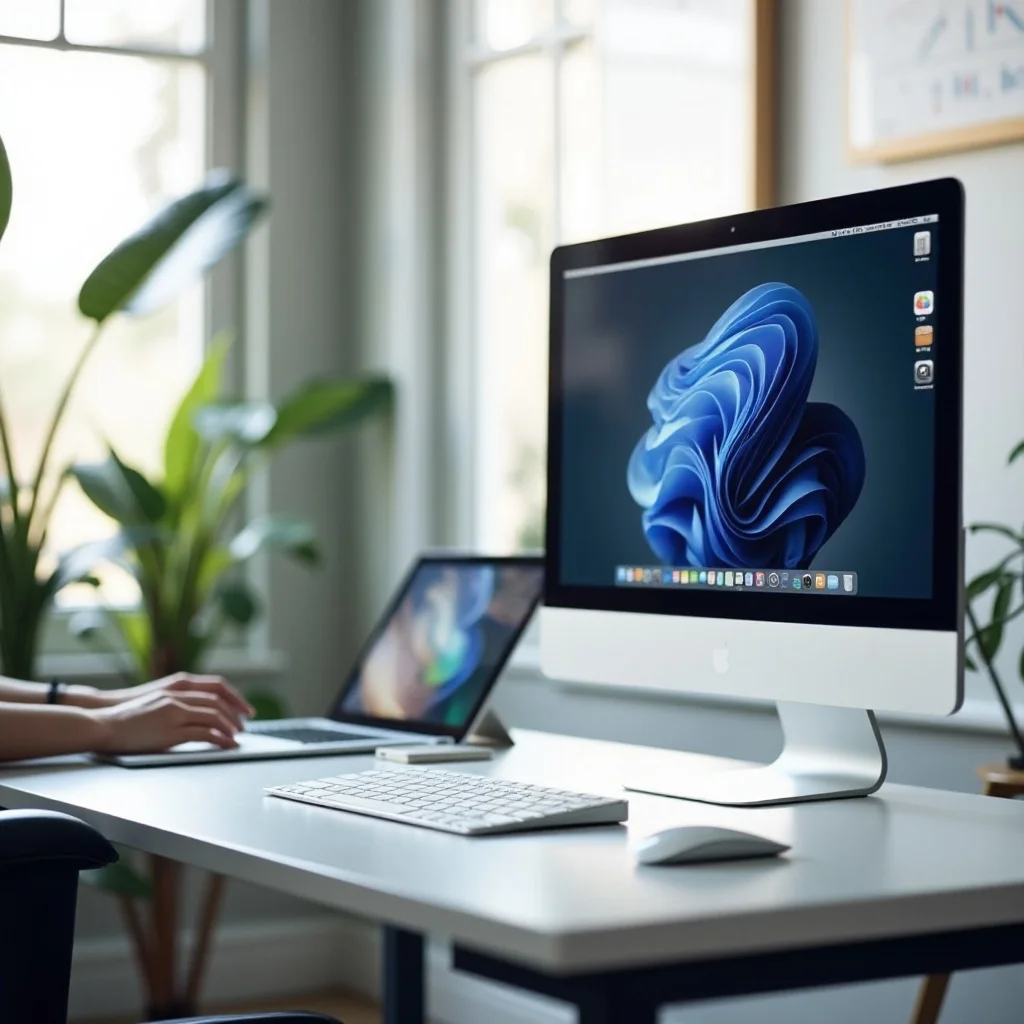
When it comes to your workspace, choosing the best computer mouse for work can make all the difference. A good mouse isn’t just a convenience; it’s essential for comfort, productivity, and even your health, especially when you’re spending hours at your desk. Whether you work in an office, as a freelancer, or from home, finding the best office mouse for your needs is crucial for both long-term comfort and performance.
In this guide, we’ll walk you through the key features to look for in the best work mouse and share our top recommendations for 2026. By the end, you’ll have all the information you need to pick the perfect mouse for your setup.

Why Choosing the Right Computer Mouse for Work Matters
The mouse is one of the most important tools at your desk. If you spend long hours working on a computer, a poor-quality mouse can lead to discomfort, fatigue, and even long-term issues like carpal tunnel syndrome. On the flip side, the right mouse will help you stay comfortable, boost productivity, and avoid unnecessary strain on your wrist and fingers.
When choosing the best computer mouse for work, you want to prioritize both comfort and performance. Finding a mouse that fits your needs and provides ergonomic support is key to working efficiently and comfortably.
Key Features to Look for in the Best Office Mouse
When picking the best office mouse, it’s important to understand which features make the biggest difference. Below, we’ll break down the top features to consider to ensure you find the mouse that suits you best.
Ergonomics
Ergonomics should be your top priority when choosing a work mouse. A well-designed mouse can reduce strain on your wrist and fingers, especially if you’re working for hours at a time. Look for a mouse that fits comfortably in your hand with a shape that allows for a natural grip. This can make a huge difference in how you feel after a full day’s work.
Performance (DPI, Sensitivity)
DPI, or dots per inch, determines how sensitive the mouse is. A higher DPI means the cursor moves faster across the screen. While higher DPI is important for gaming, for office work, you generally want something in the mid-range. Look for a mouse with adjustable DPI settings so you can customize the sensitivity based on your tasks, whether you’re typing or working on design projects.
Connectivity (Wired vs. Wireless)
Deciding between a wired or wireless mouse depends on your personal preference and setup. Wired mice are typically more reliable and don’t require battery changes, but they can create cable clutter. Wireless mice offer more flexibility and reduce the mess on your desk, but they do require charging or replacing batteries. Both types have their advantages, so consider which one best fits your needs.
Battery Life
If you’re opting for a wireless mouse, battery life is a major factor to keep in mind. Some mice can last months on a single charge, while others need frequent recharging. If you choose a rechargeable model, look for one that offers long battery life, so you don’t have to worry about constant charging.
Design and Durability
A mouse that’s designed well won’t just look good; it will also be durable. Consider a mouse made from high-quality materials that will last through years of use. Look for a model that resists wear and tear from frequent use, especially if you’re prone to spills or sweat on your hands.
Top Computer Mice for Work in 2026
Now that you know what to look for, let’s take a look at the best computer mice for work in 2026. These top picks offer a great balance of comfort, performance, and durability.
Best Ergonomic Mouse for Long Hours
If you spend a lot of time at your desk, ergonomics are crucial. The Logitech MX Master 3S stands out as one of the top ergonomic mice on the market. With its sculpted design, this mouse is comfortable for long hours of use and helps reduce wrist strain. The customizable buttons, smooth scroll wheel, and rechargeable battery make it a solid choice for those who need both comfort and performance.
Best Budget-Friendly Work Mouse
Not everyone wants to break the bank on a mouse, and that’s where the Logitech M330 Silent Plus comes in. This budget-friendly option offers a comfortable, responsive design and works well for everyday office tasks. Its quiet click feature makes it perfect for environments where noise is a concern. Plus, its long battery life and simple plug-and-play functionality make it an easy, no-fuss option.
Best Wireless Mouse for Office Use
The Logitech MX Anywhere 3 is an excellent wireless mouse for office workers. Its compact design makes it easy to take with you, whether you’re working from home or on the go. The mouse has Bluetooth connectivity, a rechargeable battery, and precise tracking that makes it perfect for tasks like web browsing or even more detailed work like photo editing. If you need a mouse that’s portable and reliable, this is one of the best office mice available.
Best Mouse for Gaming and Work Hybrid
For those who work and play, the SteelSeries Rival 600 is the ideal hybrid mouse. With its high-performance sensors and customizable weights, it offers precision that gamers will appreciate, while still being comfortable for long work hours. Whether you’re responding to emails or engaging in a gaming session after hours, this mouse can handle it all.

How to Choose the Right Mouse for Your Work Setup
Choosing the best computer mouse for work really depends on your specific needs. Let’s break it down based on your role:
- Freelancers and Remote Workers: If you’re frequently on the move, opt for a compact, wireless mouse. The Logitech MX Anywhere 3 is an excellent choice for its portability and solid performance.
- Office Workers: For long hours at a desk, comfort is key. The Logitech MX Master 3S provides the ergonomic design and support needed for a comfortable day of work.
- Creative Professionals: If you work with design software or do a lot of detail-oriented tasks, choose a mouse with high DPI and customizable buttons, like the Razer DeathAdder V2.
- Gamers: If you juggle work and gaming, look for a mouse like the SteelSeries Rival 600 that can handle both with precision and comfort.
The right mouse can enhance your workflow, so consider your needs carefully before making a decision. Pair it with the perfect computer monitors for work and office desk lamps to create an optimal and comfortable work environment.

Conclusion
Finding the best computer mouse for work doesn’t have to be difficult. By focusing on key features like ergonomics, performance, and durability, you can select a mouse that suits your working style and helps you stay productive and comfortable throughout the day. Whether you need an ergonomic mouse for long hours, a wireless model for mobility, or a hybrid option for gaming and work, there are plenty of great choices available for 2026.
Investing in the right mouse is more than just about functionality—it’s about improving your overall work experience. Take the time to find one that fits your needs and enhances your comfort and productivity.